

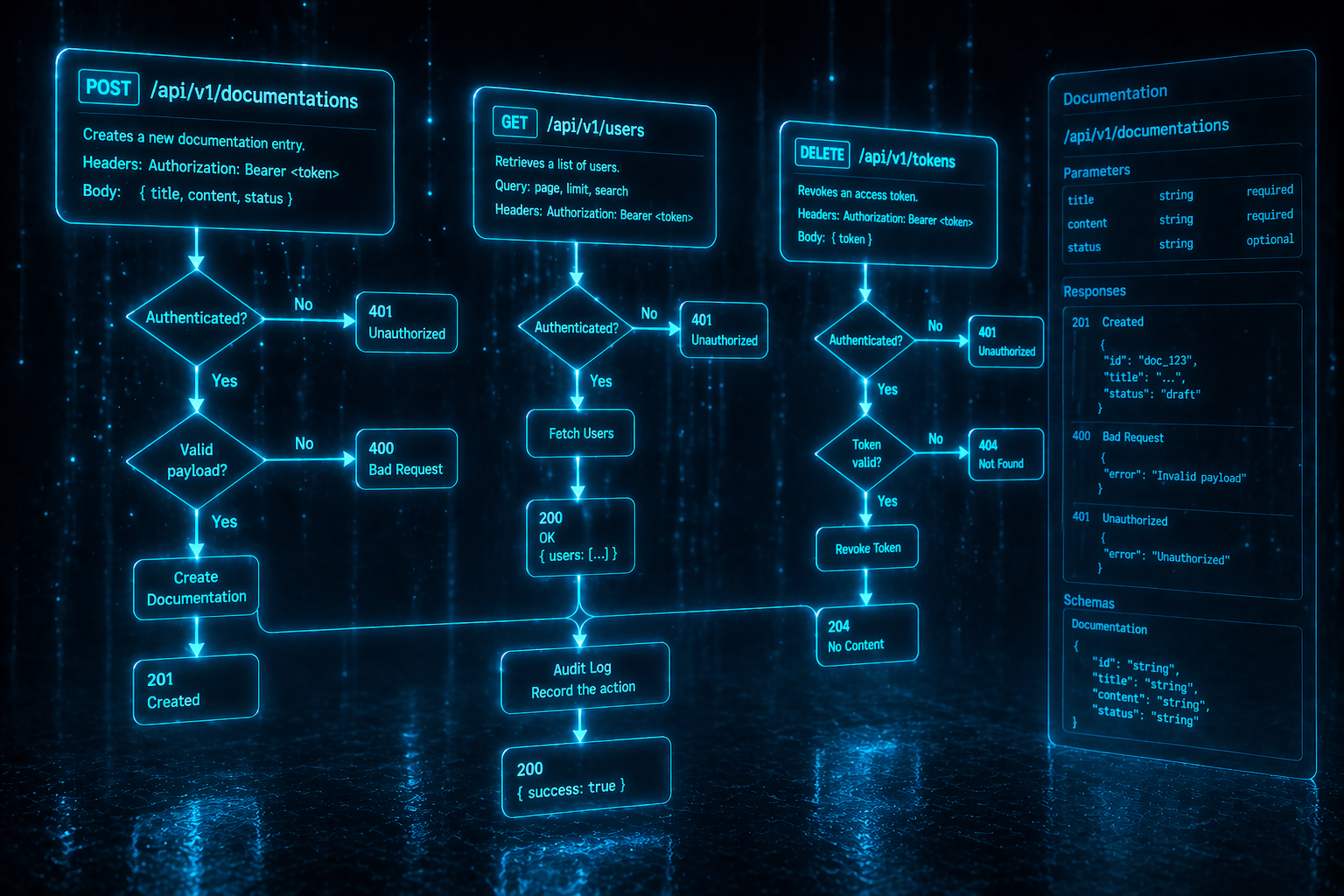
Two kinds of pages lend themselves to specialized tooling: API references and diagrams. This page covers how GitDocAI generates an API Reference from an OpenAPI/Swagger spec, the components you'll use to refine the result, and how to draw Mermaid diagrams anywhere in your docs.
Building an API Reference
To create an API Reference, add a new section and pick OpenAPI / Swagger as the source type in the wizard. From there you can either upload the spec file directly or point at a file inside a connected GitHub repository.
GitDocAI parses the spec deterministically — no AI interpretation — and creates one page per endpoint, populated with its method, path, parameters, request/response shapes, and example payloads. What's in your spec is exactly what ends up in your docs; nothing is hallucinated or reordered.
Click + in the section tab bar to launch the wizard.
Choose the OpenAPI / Swagger source type. The wizard then offers two paths:
Upload the spec file directly (
.yaml,.yml, or.json).Repository file — pick a connected repo and the file path inside it (e.g.,
openapi.yaml). Useful when the spec is generated by your build and lives at a stable path.
GitDocAI creates one page per endpoint, grouped by tag. Generation is fast because the spec is parsed deterministically rather than rewritten.
Open any page to see the components below. They are the primitives that compose every API page, and you can edit them freely to add context, correct descriptions, or highlight anything the spec didn't cover.
Permissive validation. GitDocAI accepts Swagger 2.0 and OpenAPI 3.x, including auto-generated specs that don't validate strictly. If the spec parses at all, you'll get a reference; missing descriptions become empty fields you can fill in by hand.
Keeping the reference in sync
When your spec changes, trigger a re-sync from the section's Source sidebar. GitDocAI compares the new spec against the previous one and stages the differences — added, removed, or modified endpoints — as pending proposals. A dedicated spec-diff view shows exactly what changed before anything touches your live content, and you can accept or reject changes endpoint-by-endpoint.
See Re-sync & Pending Changes for the full review flow.
Refining a generated page
Endpoint
The header of an API page. Displays the HTTP method and path prominently at the top so readers immediately know what they're looking at.
Attributes: method (required), path (required).
MDX:
<Endpoint method="POST" path="/api/v1/documentations" />Preview:
ParamField
Documents a single request parameter, query param, path param, or body field. You can nest Markdown inside to provide a detailed description — including backticks, links, or other components.
Attributes: path (required), type (required), required (boolean, adds a "required" badge).
MDX:
<ParamField path="name" type="string" required>
  The name of the documentation. Must be unique within your organization.
</ParamField>

<ParamField path="audience" type="string">
  Either `public` or `private`. Defaults to `public`.
</ParamField>
Preview:
Response
Documents one possible API response, grouped by HTTP status code. Typically you'll see one for success (200 or 201) plus the common error codes (400, 401, 404, 500).
Attributes: status (required), description (optional short summary).
MDX:
<Response status="201" description="Documentation created successfully.">
  ```json
  {
    "id": "doc_abc123",
    "name": "My Docs",
    "status": "pending"
  }
  ```
</Response>

<Response status="400">
  The request body is invalid. The response includes a `message` field explaining the error.
</Response>
Adding multi-language code examples
OpenAPI specs don't usually include client code samples. Once a page is generated, you can add them yourself with <CodeGroup> — a tabbed interface built for code that lets readers flip between curl, JavaScript, Python, and any other language you want to support.
MDX:
<CodeGroup>

```bash curl
curl -X POST https://api.example.com/v1/docs
  -H "Authorization: Bearer $TOKEN"
```

```js JavaScript
await fetch("https://api.example.com/v1/docs", {
  method: "POST",
  headers: { Authorization: `Bearer ${token}` }
});
```

```python Python
requests.post(
  "https://api.example.com/v1/docs",
  headers={"Authorization": f"Bearer {token}"}
)
```

</CodeGroup>
Need to mark an endpoint as experimental or retiring soon? Use the <Label> component inline to add badges like <Label label="Beta" /> or <Label label="Deprecated" />. See Adding Components and Layouts for the full API.
Visualizing workflows with Mermaid
Any time a visual is clearer than prose — but you don't want to maintain a static image file — use Mermaid. Mermaid lets you write text-based diagrams that render directly as SVGs. You can drop a Mermaid block inside any page, including API reference pages.
Supported diagram types
Syntax rules
Mermaid syntax is strictly enforced. Invalid syntax will break the diagram rendering on your page.
No ampersands: always use
andinstead of&in your labels.Quote special characters: never put
(or)directly inside brackets[ ]. Wrap the label in double quotes instead.Bad:
A[Log Management (SIEM)]Good:
A["Log Management (SIEM)"]
Avoid HTML: do not use
<,>, or other HTML-like characters in your labels.