

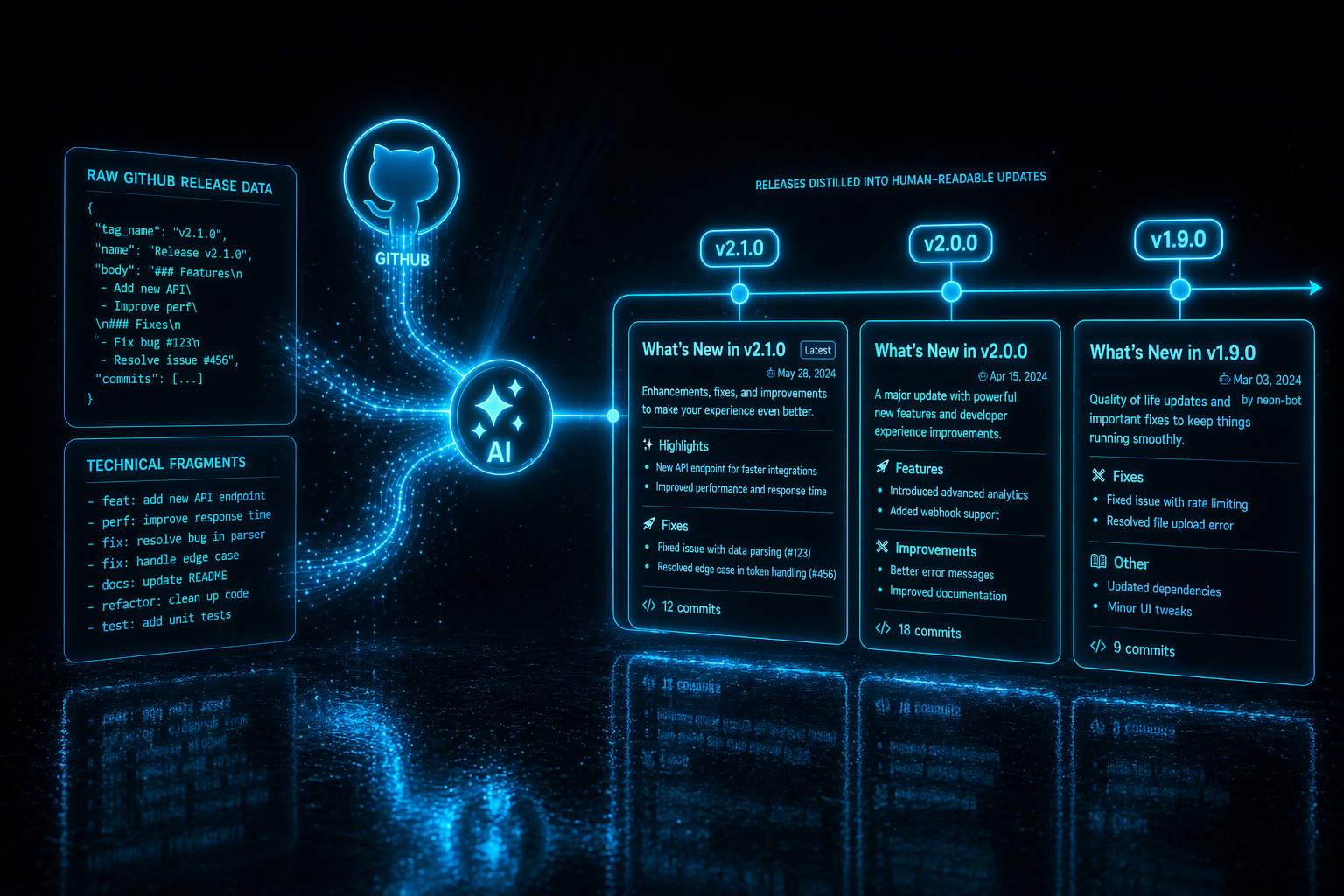
Keeping your users in the loop about new features, bug fixes, and improvements is essential for a great product experience. GitDocAI builds your changelog from your GitHub repo and gives you two components to refine the result afterward.
Generating changelogs from GitHub Releases
To build a changelog in GitDocAI, start by connecting a GitHub repository as the source of a Changelog section. GitDocAI reads your GitHub Releases and creates one page per release.
Unlike API reference generation (which is deterministic), changelog generation runs your release bodies through an AI pass. Raw GitHub release notes tend to be terse and developer-facing ("bump deps, fix null check in handler"); GitDocAI rewrites them into concise, user-friendly language. The underlying release data (tag, date, author, link) stays untouched — only the prose is rewritten.
Add a new section to your documentation and pick Changelog as the section type.
Attach a repository as the section's source. GitDocAI pulls every release from the GitHub Releases API.
GitDocAI generates one page per release with the body rewritten in a friendly tone. Use the components below to customize.
Understanding the structure
A generated changelog page uses two components working together: a <Changelog> container that holds the whole page, and one <Update> block per release.
Customizing the generated pages
Changelog (container)
Wraps the entire page and sets the top-of-page heading. Inside it, you place one <Update> per release.
Attributes: title (optional), description (optional).
<Changelog title="Release Notes" description="Everything new in our platform.">
  <Update label="April 15, 2026" description="v2.1.0" tags="v2.1.0, feature">
    Shipped full-screen preview with mobile and tablet views.
  </Update>

  <Update label="April 1, 2026" description="v2.0.0" tags="v2.0.0, breaking, new">
    Complete platform rewrite. See the migration guide for breaking changes.
  </Update>
</Changelog>
Update (one per release)
Each <Update> is a single release entry. The component automatically renders the version, date, tags, and author — you only write the body.
Strict tag formatting. In the tags attribute, the version string must come first, followed by 1-3 categorical tags from this exact list: feature, improvement, fix, breaking, security, deprecated, prerelease, new, enhancement. Custom categories aren't supported today.
Keep the body clean. The component already renders the version, date, and tags, so you don't need to repeat them inside the body.
Enriching your updates
The body of an <Update> is a regular MDX block — you can drop any of the standard components inside. Images, <Label> badges, <RightPanel> sidebars, callouts, tables, and code blocks all work the same way.